
Mobile APP
Anytime, Anywhere Mobile Office
One phone + one PDA, put the factory in your pocket, hold decisions in your palm
One-click access to business processes anytime, anywhere, with instant access to messages, documents, and data
Book a Demo →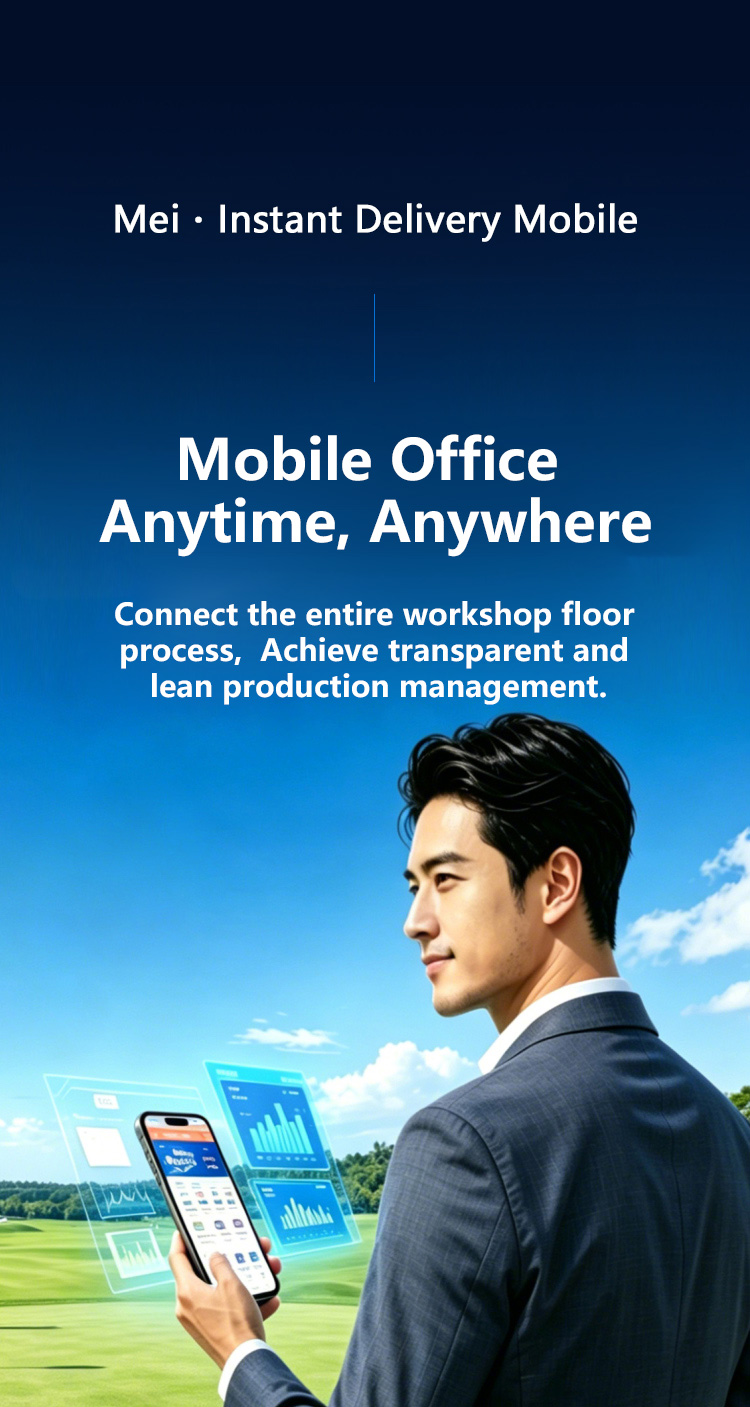
Anytime, Anywhere Mobile Office
One phone + one PDA, put the factory in your pocket, hold decisions in your palm
One-click access to business processes anytime, anywhere, with instant access to messages, documents, and data
Book a Demo →
Anytime, anywhere, instant access: GuanzhiMei mobile terminal (mobile APP + industrial PDA) is a full-scenario mobile smart management terminal exclusively for the aluminum profile industry, enabling seamless collaboration between PC and mobile, real-time linkage between on-site operations and back-office, allowing sales field staff, workshop teams, warehouse management, and management to work efficiently anytime, anywhere.
Break through geographical restrictions,
99% of work tasks can be handled anytime, anywhere on mobile
Fragmented time efficiently converted into work productivity,
office time utilization increased by 75%
Messages, to-dos, and alerts reach in real-time,
task response time improved by 90%
Organization directory and online communication linked anytime,
cross-department collaboration efficiency increased by 70%
Barcode/RFID scanning, automatic collection of production, inventory, quality data
Handle business anytime, anywhere, saying goodbye to traditional desktop office mode
AI intelligent analysis, providing accurate production scheduling and decision support
Military-grade data encryption, multiple backups ensure data security
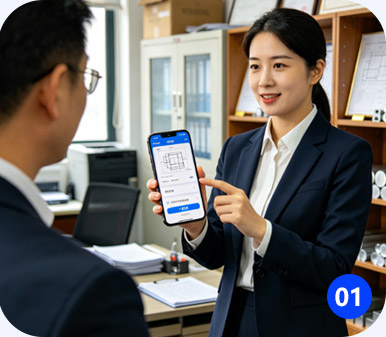
Sales staff can view aluminum profiles, check drawings, create orders, and sign contracts with one click on-site. Track production progress in real-time without returning to the office, doubling efficiency.
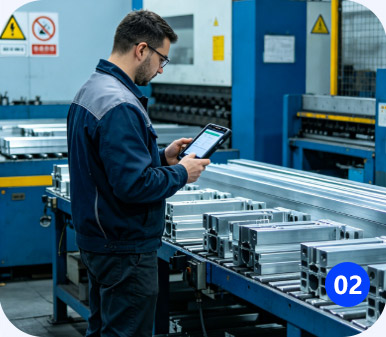
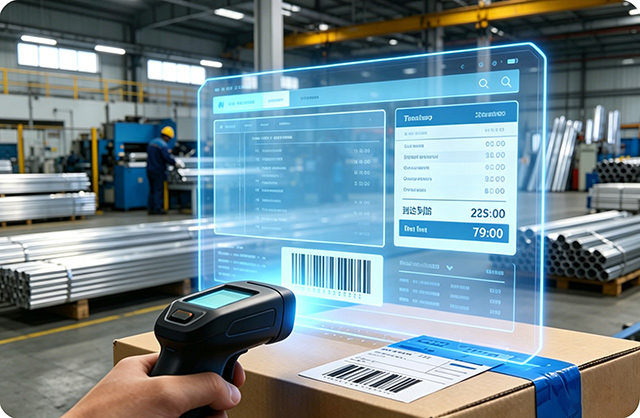
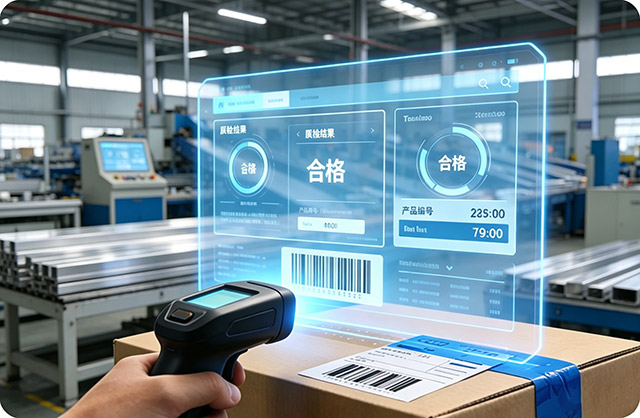
Production workers use PDA to scan codes for work reporting, quality inspection, labeling, and mold management. Through paperless operations, reduce errors and increase output.
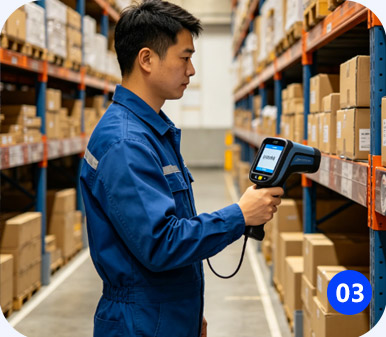
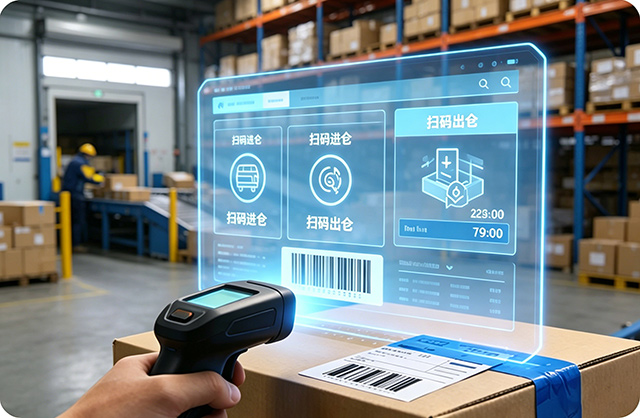
Warehouse staff scan all goods for inbound, outbound, inventory counting, picking, and adjustments. Ensure inventory accuracy, prevent errors and omissions, and reduce inventory backlog.
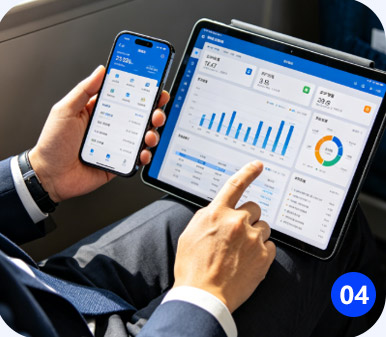
Business owners can view operation reports, production progress, and order alerts while traveling, conduct mobile approvals, and control the entire factory anytime, anywhere.
Powerful features, easy operation, efficient and practical
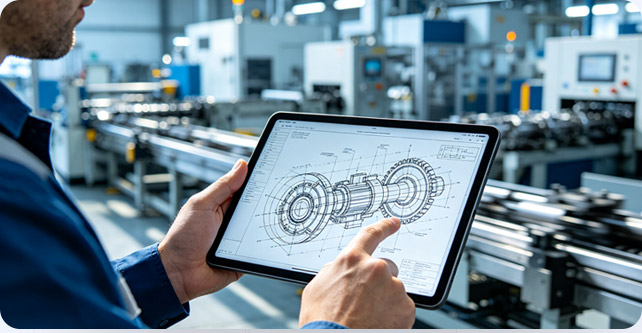
● Comprehensive collection of workshop processing sketches, precise CAD engineering drawings, and finished product custom packaging drawings. Complete standard drawings for production, dimension verification, and appearance packaging, fully covering drawing viewing needs throughout the production process;
● Supports quick search by series, customer model, specification category, drawing number, and name keywords, locking the corresponding drawing in seconds;
● High-definition lossless loading of drawings, supports gesture zooming and dragging to view detailed dimensions and process annotations. On-site parameter verification and production standard comparison are clear and intuitive, with details at a glance.
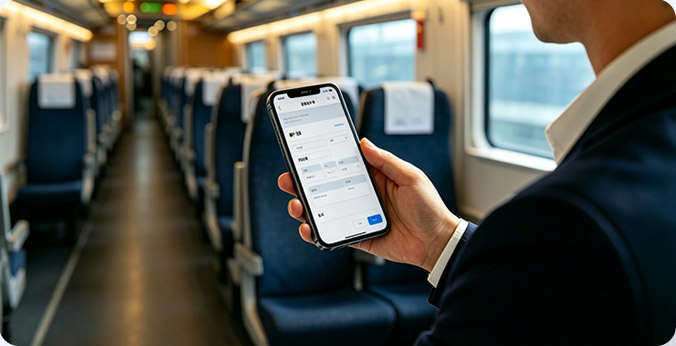
● Supports mobile creation of all types of documents including sales orders, production work orders, material requisitions, inbound orders, outbound orders, transfer orders, and work reporting orders, covering all business scenario order creation needs;
● Built-in product files, customer information, and material inventory data. Drop-down selection fills in information without manual repeated typing, simplifying data entry steps and greatly improving order creation efficiency;
● One-click query of past order records and historical order details. Quickly copy and create new orders by replicating the same type of document. No need for repeated data entry for repeated business, saving time and effort.
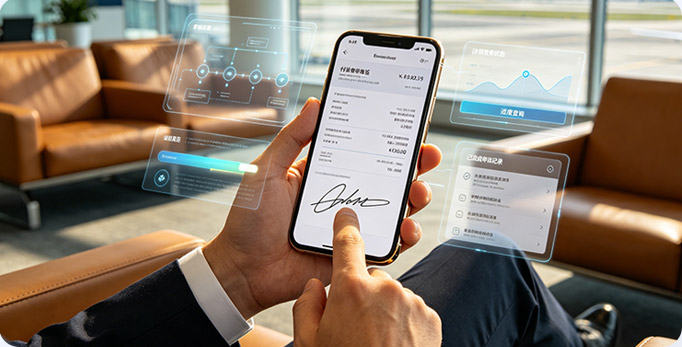
● Full-process approval for payment, reimbursement, procurement, etc. handled on mobile, no waiting or backlog for critical matters;
● Full audit trail for approvals, clear responsibilities, meeting enterprise compliance and management requirements;
● Real-time query of document approval progress, transparent management improves execution.
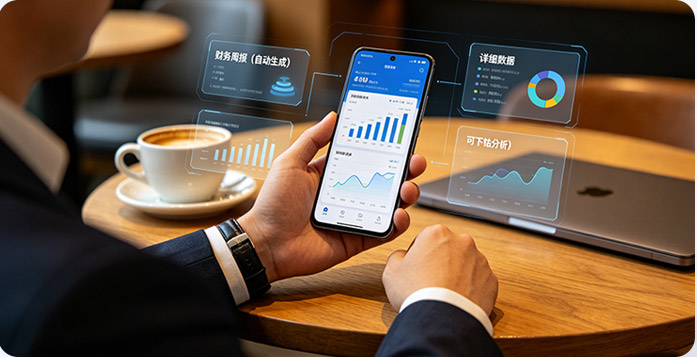
● Multi-dimensional visual reports for sales, production, inventory, finance, and equipment;
● Real-time updates, supports drill-down analysis and custom dashboards;
● Daily/weekly reports automatically generated, proactive alerts for abnormal data.
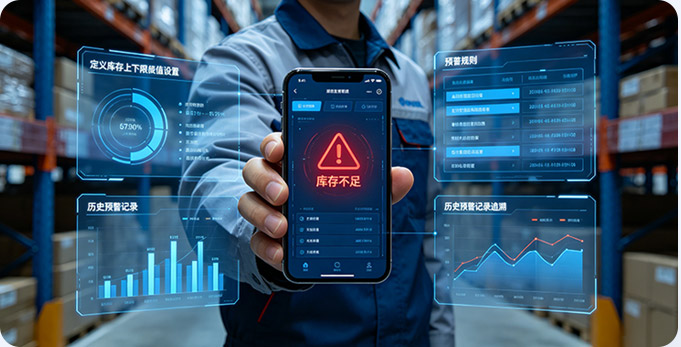
● Custom settings for inventory upper/lower limits, order overdue, order overproduction, equipment abnormality and other rules;
● Automatic APP push when threshold is triggered, responsibility assigned to person, quick closed-loop;
● Alert history traceable, facilitating review analysis, continuous optimization of management.
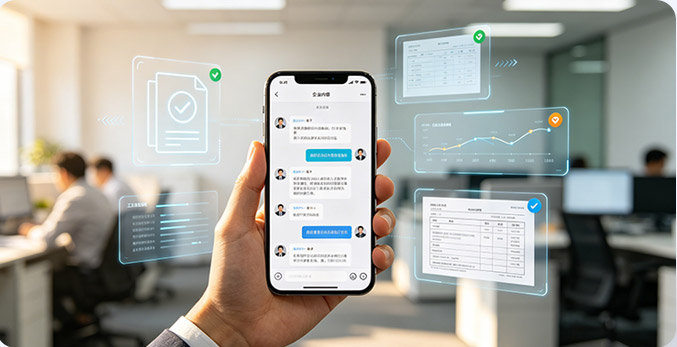
● One-click notification release, accurately distinguishing read/unread status, publishers can track reading situation in real-time, ensuring important notifications are known and implemented by all staff;
● Categorized filtering of to-do, done, and overdue items, clear work progress check, efficiently organizing daily work rhythm;
● Deep integration with commonly used office channels such as WeChat and DingTalk, supports account interoperability and message sync reminders, unified aggregation and reception of office information.
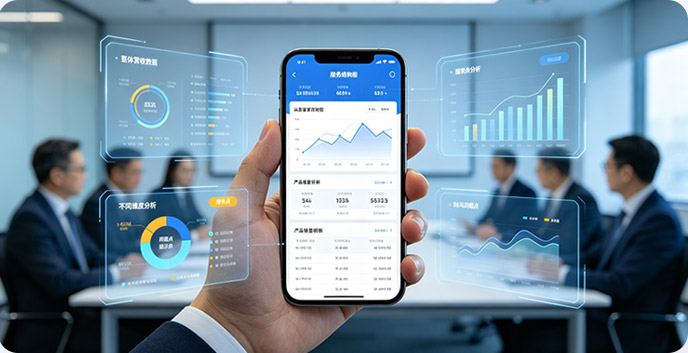
● Chart-based intuitive presentation of business trends, ups and downs at a glance, easily insight into business changes;
● Layer-by-layer drill-down data analysis, from overall to details, quickly finding business problems and growth points;
● Historical data accumulation and comparison, vertical analysis of business change patterns, providing basis for long-term planning.

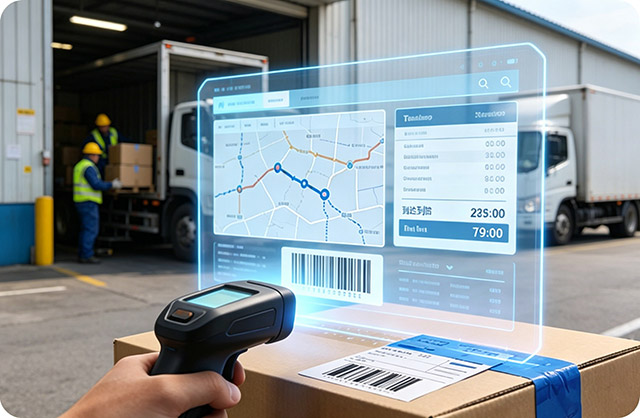
Designed for industrial scenarios, compatible with various PDA devices
Four core advantages, creating industry-leading mobile management experience
Real-time data interconnection between APP+PDA+PC, one-time entry shared across all platforms
Touch operation, large buttons, simplified process, frontline employees get started quickly
Scanning, photography, message push, fully leveraging mobile device capabilities
Transmission encryption, storage encryption, permission hierarchy, operation audit, bank-level protection

Ask freely by voice or text, AI answers in seconds
Internal enterprise-exclusive palm smart management consultant, query business data, process progress, and system specifications through conversation anytime, anywhere.
Business tool, quick image recognition artifact, identify profiles by photo, match models instantly, find molds, calculate parameters.
External exclusive aluminum profile industry AI intelligent dialogue shopping guide, helping sales, receiving quotes, matching products, finding goods and prices, all category questions
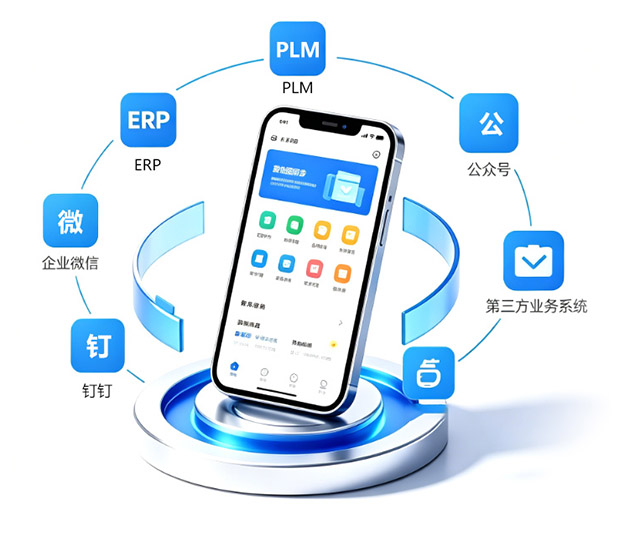
Mobile terminal supports seamless docking and interconnection across multiple systems and platforms
Mobile terminal supports seamless docking and interconnection across multiple systems and platforms, can flexibly link with ERP, PLM, Enterprise WeChat, DingTalk, official accounts, and third-party business systems, no need for repeated login, no need to switch back and forth between software.
One mobile entry aggregates all platform business, messages, data, and processes, achieving account interoperability, data synchronization, message aggregation, and business linkage, completely breaking system information silos. Office work, approvals, business, and data are all interconnected, enabling cross-platform collaborative office work anytime, anywhere.
Book a demo now to learn more about digital transformation solutions,
and bring your enterprise into the era of intelligent manufacturing

Scan to add WeChat
Scan the QR code below to add WeChat
Scan to add WeChat